In today's competitive business environment, managing client relationships efficiently is essential for sustainable business growth. As businesses acquire more customers, handle multiple projects, and expand their teams, maintaining client information through spreadsheets, emails, and manual records can become challenging. A structured approach to customer management helps businesses organize information, improve communication, and maintain consistent follow-ups.
Client Management Software provides businesses with a centralized way to manage client details, track interactions, organize tasks, and monitor ongoing business relationships. When combined with sales tracking, project management, and employee management capabilities, it can help organizations streamline daily operations and make informed decisions.
Renown System offers an integrated business management CRM designed to bring client management and essential business workflows together on one platform. By organizing information and supporting team collaboration, businesses can work more efficiently while building stronger client relationships.
What Is Client Management Software?
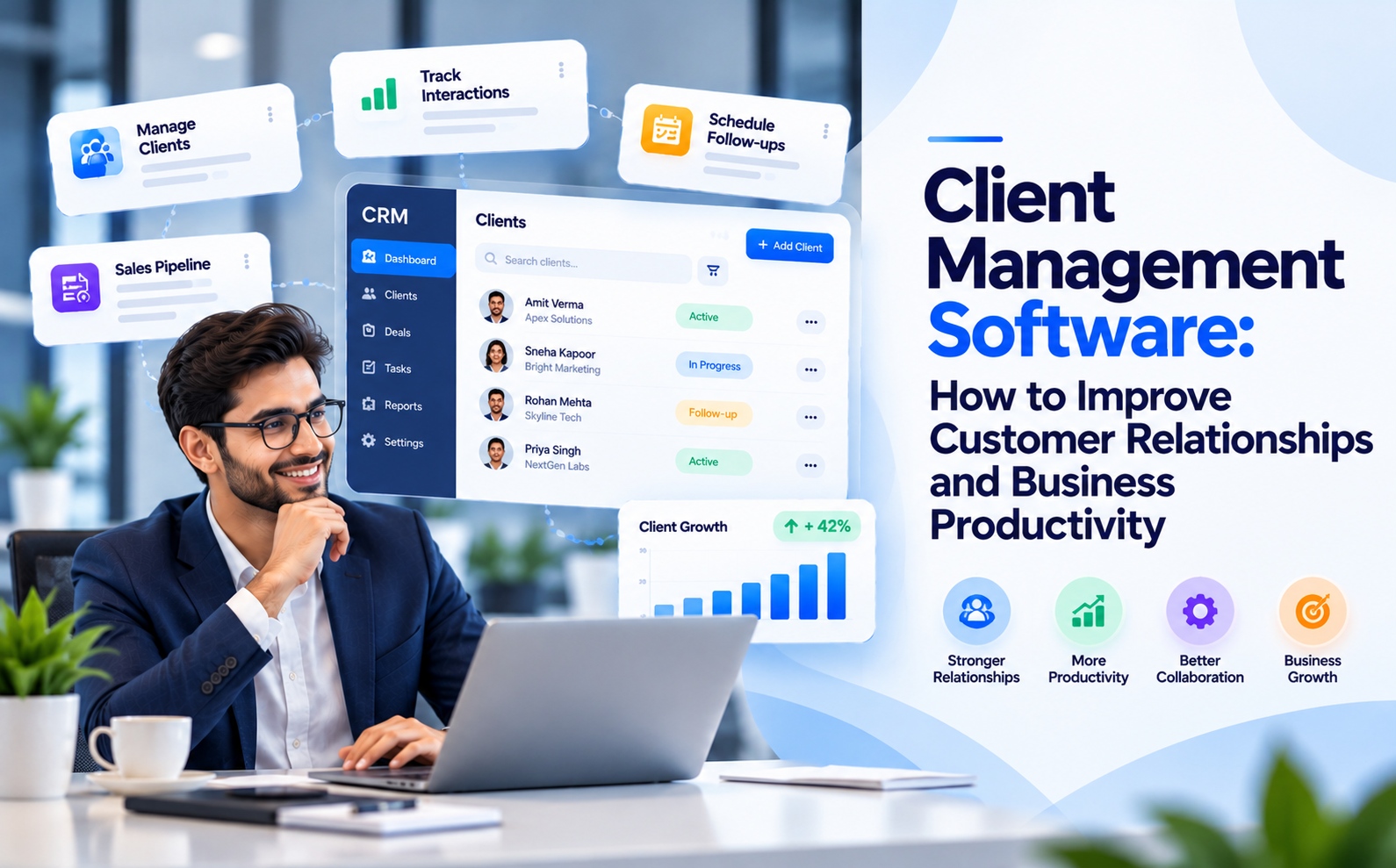
Client Management Software is a digital solution that helps businesses store, organize, and manage information about their clients. It allows teams to maintain contact details, review communication history, track follow-up activities, and monitor client-related tasks from a centralized system.
Instead of searching through multiple spreadsheets or email conversations, employees can access relevant client information more systematically. This improves coordination between departments and helps ensure that important customer requirements receive appropriate attention.
Modern client management solutions may also include lead tracking, task assignments, reminders, reporting, and project coordination. These capabilities are particularly valuable for service providers, sales teams, consultants, IT companies, and organizations managing multiple client accounts.
Why Is Client Management Software Important for Business Growth?
Strong customer relationships require timely communication, organized information, and consistent service. Without a reliable management process, businesses may experience missed follow-ups, incomplete records, delayed responses, and limited visibility into client activities.
Implementing suitable Client Management Software can help address these challenges in several ways.
1. Centralized Client Information
A centralized database helps teams maintain client contact details, interaction records, notes, and other relevant information in one place. Authorized employees can access the information they need without repeatedly requesting updates from colleagues.
This organized approach reduces information gaps and supports better coordination across sales, customer service, and project teams.
2. Better Communication and Follow-Ups
Regular communication plays an important role in maintaining customer satisfaction. Client management tools help teams track conversations, schedule follow-up activities, and assign responsibilities for pending tasks.
With a clearer view of previous interactions, employees can provide more relevant responses and avoid unnecessary repetition when communicating with clients.
3. Improved Lead and Sales Tracking
Businesses need visibility into how prospects move from initial enquiries to active customers. A CRM system can help teams organize leads, record sales activities, monitor opportunities, and identify pending actions.
This structured process makes it easier for managers to review sales progress and understand where additional attention may be required.
4. More Efficient Team Collaboration
When client information is scattered across different tools, employees may struggle to stay aligned. A shared management platform helps teams coordinate responsibilities, track tasks, and maintain visibility into ongoing activities.
Better collaboration can reduce duplicated work and help employees focus on delivering consistent service.
Key Features to Look for in Client Management Software
Choosing the right software requires understanding your business processes and identifying the features that will provide practical value.
Client Database and Contact Management: Look for tools that help organize client profiles, contact information, notes, and relevant records.
Interaction Tracking: Maintaining a history of client communications helps teams understand previous conversations and respond with greater context.
Task and Follow-Up Management: Task assignments, reminders, and activity tracking help employees manage responsibilities and reduce the risk of overlooked actions.
Sales and Lead Management: Lead tracking and sales activity monitoring help businesses maintain a clearer view of their sales pipeline.
Reporting and Analytics: Reports can help managers review team activity, identify workflow bottlenecks, and make decisions based on available business information.
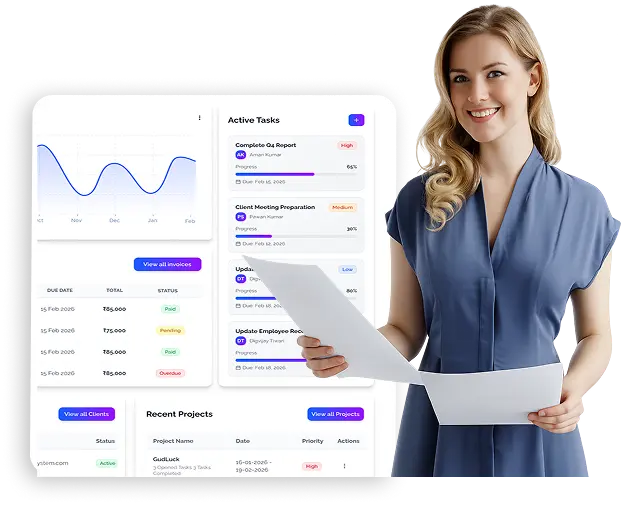
Project and Invoice Management: For businesses handling client projects, connecting project activities and invoicing with client records can improve operational visibility.
The most suitable solution will depend on the size of your organization, the complexity of your workflows, and the level of integration required.
How CRM Software Supports Customer Relationship Management
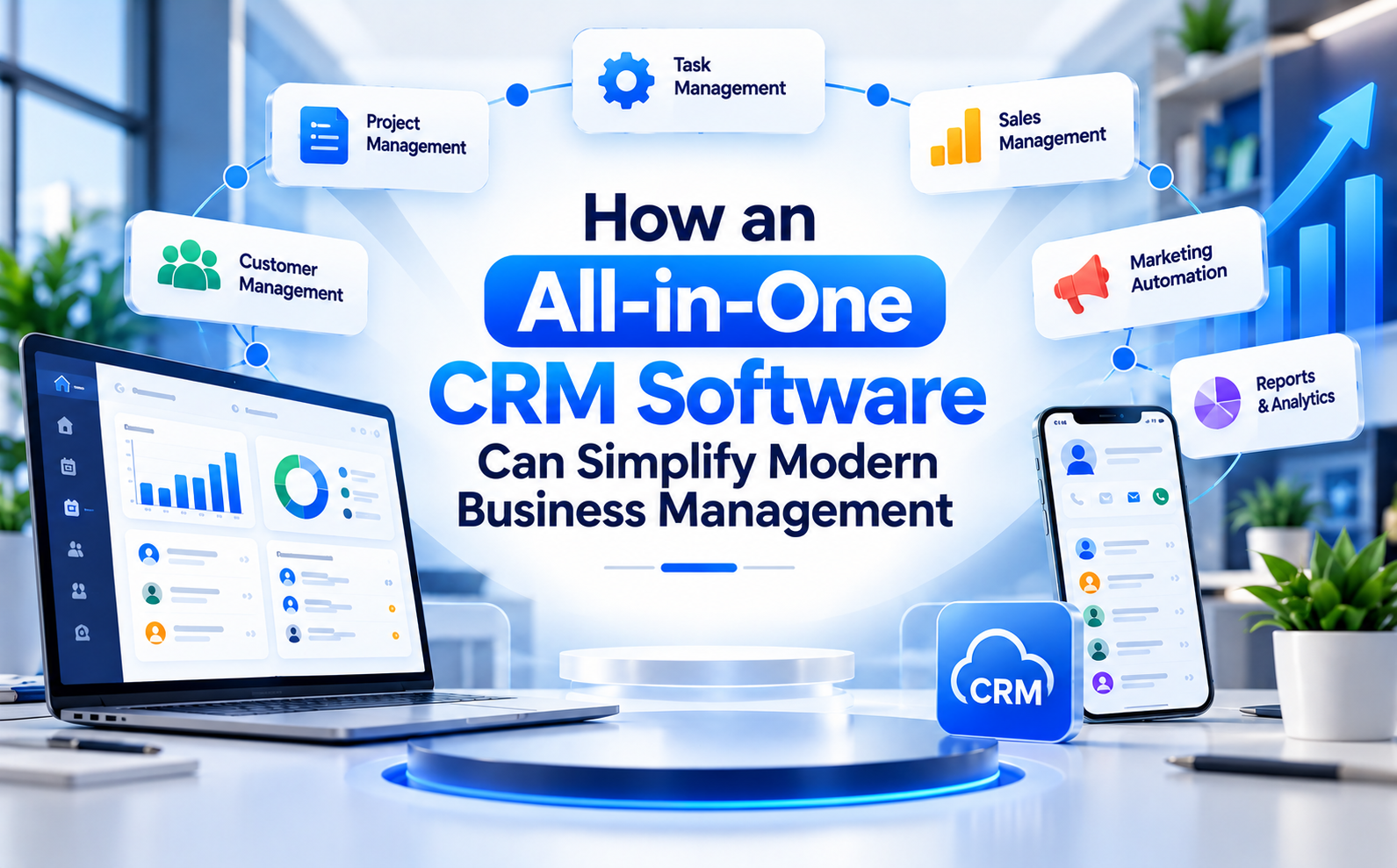
Customer Relationship Management, commonly known as CRM, is the strategy and process businesses use to manage interactions with current customers and potential clients. CRM Software supports this process by organizing customer information and helping teams manage sales, communication, and service activities.
An effective CRM approach helps businesses understand client requirements, maintain communication history, monitor opportunities, and coordinate internal teams.
For example, when a prospective client submits an enquiry, the sales team can record the lead, assign a follow-up task, and update its status as discussions progress. Once the opportunity becomes an active project, relevant teams can coordinate tasks and monitor progress.
This connected workflow can improve visibility throughout the customer journey. However, results depend on how effectively the software is configured and how consistently employees use it.
Client Management Software vs. HR Management Software
Client relationships are only one part of running a successful organization. Businesses must also manage employee information, attendance, leave requests, payroll activities, and internal responsibilities.
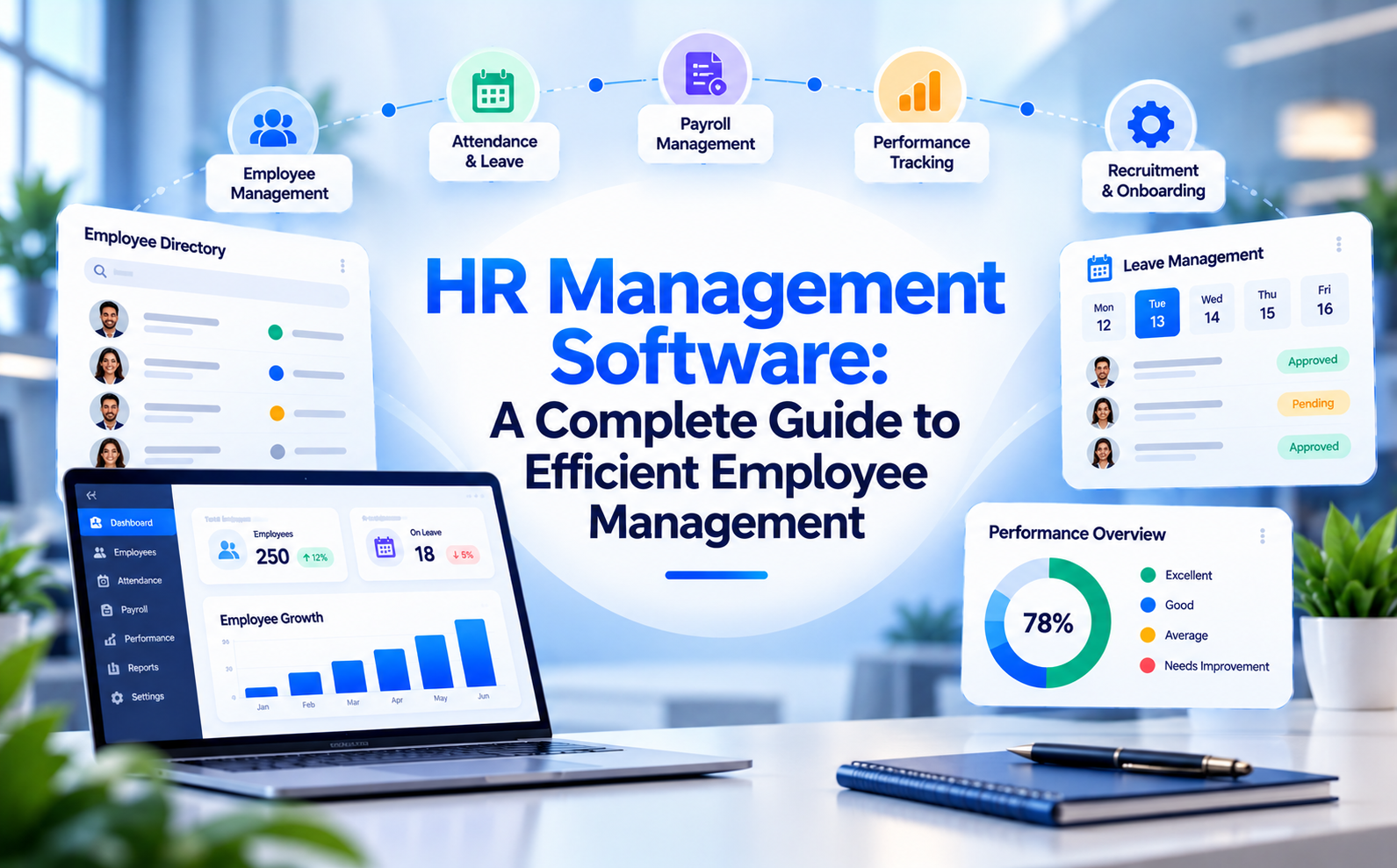
HR Management Software helps organizations organize human resource processes and employee-related information. Depending on the solution, it may support employee records, onboarding, attendance, leave management, and payroll workflows.
Client management software focuses primarily on customer information, communication, sales activities, and client-related tasks. HR management tools concentrate on workforce administration and employee operations.
Using disconnected systems for these activities can create information gaps and increase administrative effort. An integrated business management platform can help organizations coordinate different functions while maintaining appropriate access permissions.
Renown System combines CRM capabilities with employee management, leave management, payroll, project management, task management, and invoicing features. This integrated approach helps businesses manage essential client and internal workflows through a unified platform.
How Renown System Helps Businesses Manage Clients More Efficiently
Renown System provides business management CRM capabilities designed to help organizations organize client information, coordinate tasks, and improve visibility across daily operations.
Its client management functionality supports centralized client records, contact management, interaction tracking, and follow-up activities. These capabilities can help teams maintain organized information and manage client relationships more consistently.
Businesses can also explore related functionality, including:
- Client Management: Organize client information and maintain relevant records.
- Task Management: Assign responsibilities and monitor task progress.
- Project Management: Coordinate project activities and improve team visibility.
- Employee Management: Maintain employee information and support workforce coordination.
- Invoice Management: Organize invoicing activities and related financial records.
- HR and Payroll Functions: Support employee administration through available workforce management features.
By bringing these capabilities together, Renown System helps businesses reduce dependence on disconnected workflows and manage multiple operational activities more systematically.
To learn more about the platform, visit the Renown System website or explore its Client Management Software feature page.
How to Choose the Right Client Management Solution
Before investing in a client management platform, consider the following factors:
Understand your requirements: Identify whether your business primarily needs contact management, lead tracking, follow-up reminders, project coordination, or a combination of functions.
Evaluate usability: Choose a solution your employees can understand and use consistently. A complicated interface may reduce adoption.
Review reporting capabilities: Check whether the available reports provide useful visibility into client activities, sales performance, and pending tasks.
Consider integration needs: Determine whether client management should work alongside HR, payroll, invoicing, or project management functions.
Check access controls: Review user permissions and available data protection features to ensure information is accessible only to appropriate users.
Test before committing: Where available, request a demonstration or use a trial to evaluate the software against your actual business workflows.
A careful evaluation helps businesses select a solution that meets current requirements while accommodating future operational needs.
Conclusion:
Effective client management is essential for building lasting customer relationships, improving team coordination, and supporting business growth. As organizations expand, relying on scattered records and manual follow-ups can make everyday operations increasingly difficult.
Client Management Software helps businesses centralize information, organize communication, track activities, and improve visibility into customer relationships. When supported by CRM Software, Customer Relationship Management practices, and complementary tools such as HR Management Software, businesses can coordinate client-facing and internal operations more efficiently.
Renown System brings client management together with project, task, employee, payroll, and invoice management capabilities to support connected business workflows.
If your organization wants to improve client coordination and simplify daily management activities, explore Renown System to understand how its features align with your business requirements.